Connect a client
Dark Pawns lets you run up to three characters at once. Set up TinTin++, Mudlet, MUSHclient, the web client, or telnet to run your party.
Dark Pawns is tuned for a party. You can run up to three characters at once, and past the starter rooms you'll want them: a level 1 character can trade punches with a level 1 mob, but by level 15 a solo adventurer is mostly dragon food. A real MUD client keeps all three sessions open so you can lead with your tank and heal from another tab without losing your scrollback.
Each player may have a Total of 3 characters at any given time. ... Please note, linkdead characters that are still in game count towards your three multis. Log 'em out if you aren't using them.
help MULTI
Before you start
Section titled “Before you start”- The server address. For darkpawns.org it's
darkpawns.org, port 7778 (TLS encrypted) or 7777 (classic telnet). Playing on a private world? Ask its operator for the host and port. - Up to three character names. You can roll the characters as you connect.
Choose a client
Section titled “Choose a client”TinTin++ calls each connection a session, and you switch between them by name. Type the commands below exactly as shown, curly braces included: TinTin++ uses them to group each argument.
- Start TinTin++.
- Open your first character's session:
#ssl {first} {darkpawns.org} {7778}. - Log in, or create the character.
- Open the second and third the same way:
#ssl {second} {darkpawns.org} {7778}, then#ssl {third} {darkpawns.org} {7778}. - Type
#first,#secondor#thirdto switch.
No encryption support in your build? Use #session instead of #ssl, with port 7777. The TinTin++ session manual covers the rest.
Mudlet saves each connection as a profile, so make one per character.
- In Mudlet's connection window, choose New.
- Name the profile after the character. Enter
darkpawns.organd port7778, and tick Secure. - Connect, then log in or create the character.
- Repeat for the other two.
- Switch between profiles, or turn on MultiView to see them side by side.
Mudlet's connection window manual covers profiles; its profile preferences manual covers MultiView.
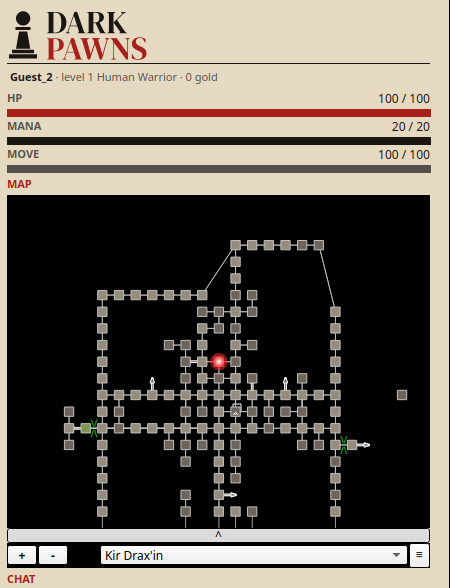
MUSHclient saves each connection as a world, one per character.
- Open Connection → Quick Connect.
- Enter a world name,
darkpawns.organd the classic port,7777. (Use 7778 instead if your MUSHclient setup supports encrypted connections.) - Choose OK, then log in or create the character.
- Repeat for the other two, with a different world name each time.
Each world opens in its own window. The getting started guide walks through Quick Connect.
No install needed. Each browser tab is one character.
- Open the web client.
- At the login prompt, enter a character name and password, or type
guestto look around without making one. - Open two more tabs at the same address for the rest of the party.
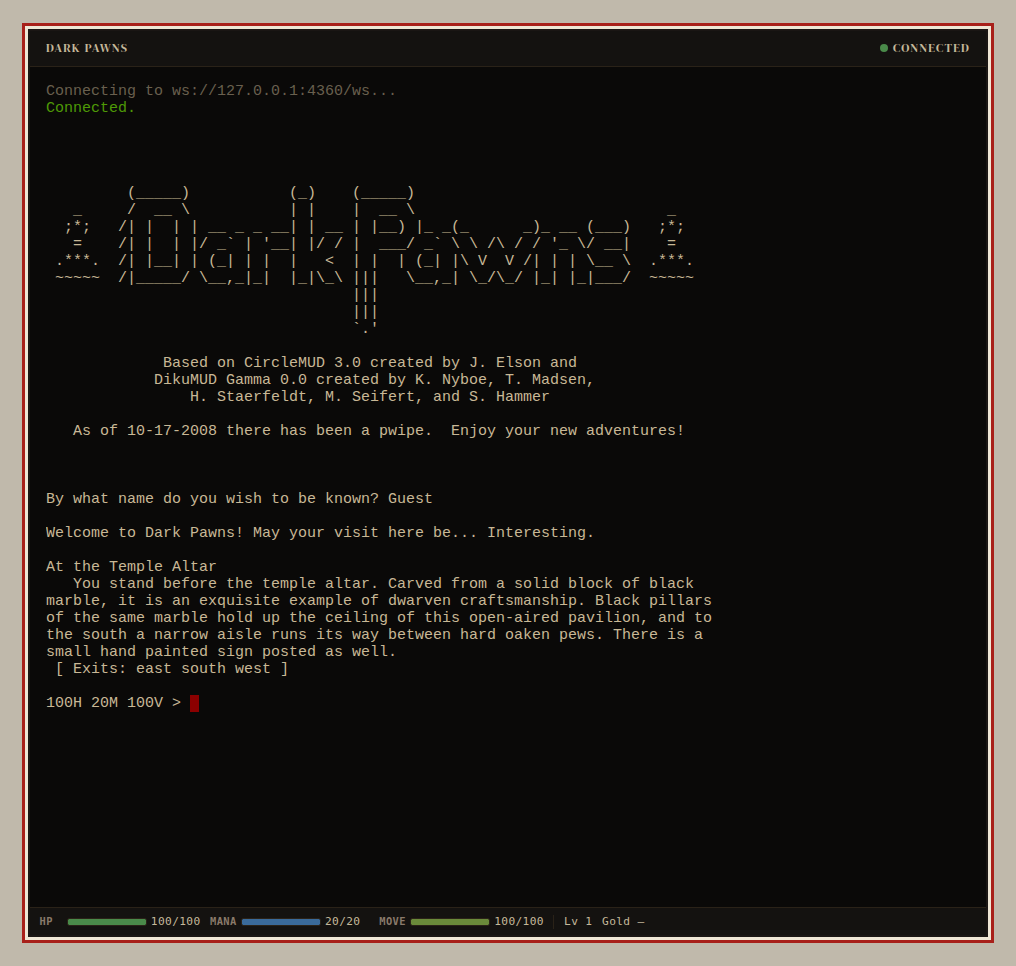
It works, it's everywhere, and it does one character per window.
- Open a terminal.
- Run
telnet darkpawns.org 7777. - Log in, or create the character.
- Do the same in two more windows.
No telnet command on your system? Any of the clients above will do.
Did it work?
Section titled “Did it work?”Each character has its own window, tab or session, and each one shows its own prompt. You can switch between them without anyone logging out.
If it didn't work
Section titled “If it didn't work”- The connection times out. Check the address and port, then see Players can't connect.
- You connect but never get a login prompt. Disconnect and try again. If it keeps happening, tell us in the Discord which client you used and when.
- A second tab or session kicks out the first. You logged in with the same character name twice, which takes over that character's active body and disconnects the old session. Log each tab in as a different character.