Update your server
Update a managed Dark Pawns instance from the admin console or command line, and understand the automatic rollback after a failed health check.
Update a managed instance with darkpawns update or Admin → Updates. The launcher stages and verifies a release while the world runs, then restarts into it. If its health check fails, the previous release is restored automatically.
Before you start
Section titled “Before you start”- A managed instance installed with the Dark Pawns launcher.
- Implementor access (level 40) for the admin console.
- A maintenance window if players are online. The world stops during the switch.
Run the update
Section titled “Run the update”- Open Admin → Updates.
- Choose Check for updates.
- Review the available release and online players.
- Choose Update now and confirm.
- Return to the page later to read the transaction status. You can close the browser while the update runs.
The page reports staging, applying, testing, then committed or rolled back. A browser refresh can resume reading status from the launcher's journal.
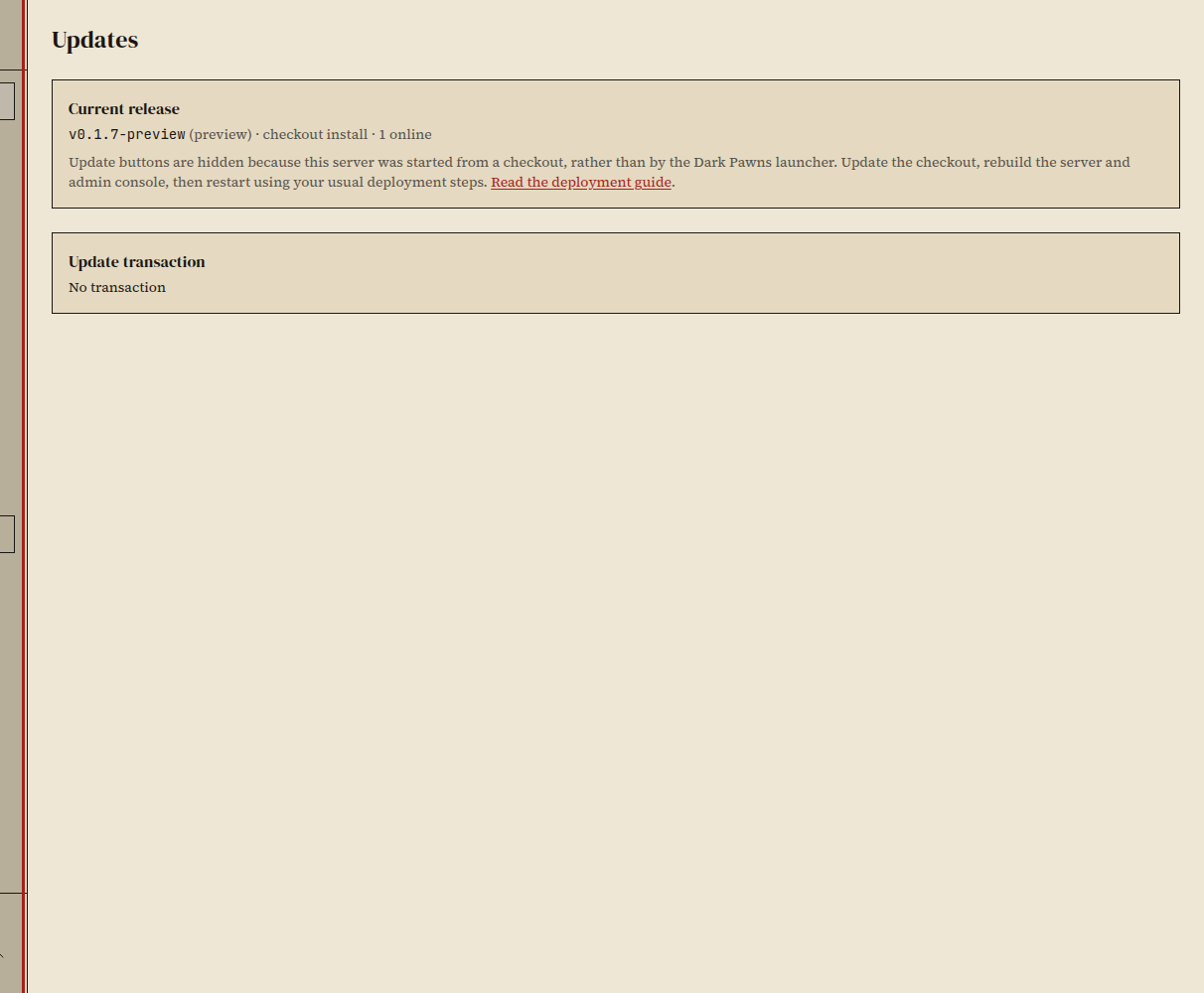
- Run
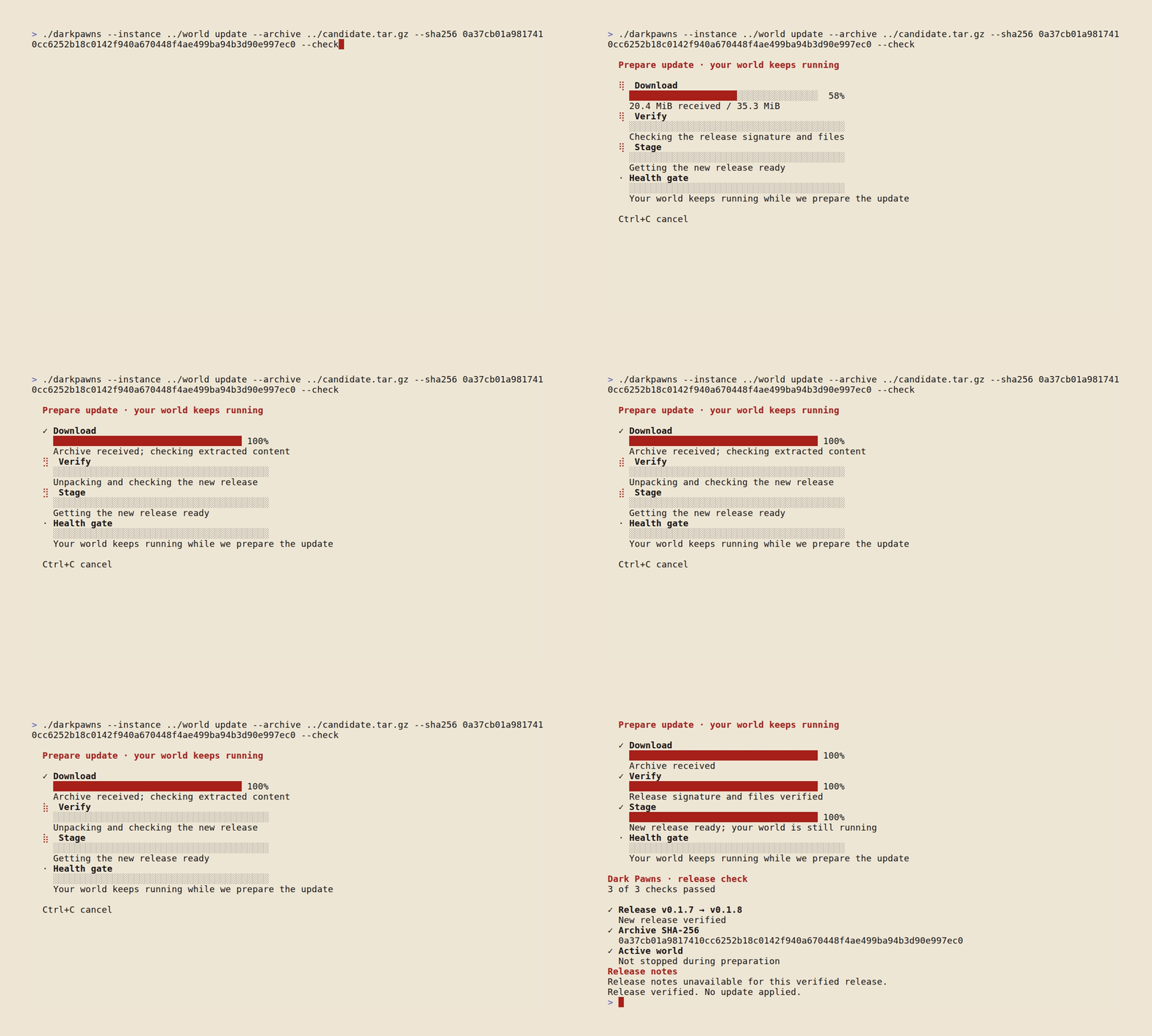
darkpawns updatefrom the instance's launcher environment. - Follow the printed status until the command reports completion or failure.
If the machine stopped during an update, run the recovery command printed by the admin console or darkpawns update recover.
How rollback works
Section titled “How rollback works”The diagram shows the launcher's update transaction and its rollback path.
Did it work?
Section titled “Did it work?”The status is Committed, and the running release shown in Admin → Updates matches the release you selected.
If it didn't work
Section titled “If it didn't work”- The check finds no release. The server may already be current. Check the running version on the Updates page.
- The candidate fails its health check. The launcher restores the previous release. Read the transaction detail and server log before retrying.
- The update was interrupted. Run
darkpawns update recoveras directed by the status page.