Your first login
Finish first-run setup, connect to your new Dark Pawns server, create the Implementor character, and open the admin console.
A fresh portable instance needs one game character before you can sign in to the admin console. The first character successfully created becomes the Implementor (level 40); setup doesn't create a separate admin account.
Before you start
Section titled “Before you start”- Install Dark Pawns.
- A terminal on the machine that will run the instance.
This flow shows how the first character created on a new world unlocks the admin console.
Create an instance
Section titled “Create an instance”- Run
darkpawns setup. - Choose the instance folder and local web and telnet ports.
- Review the settings and let setup create and start the instance.
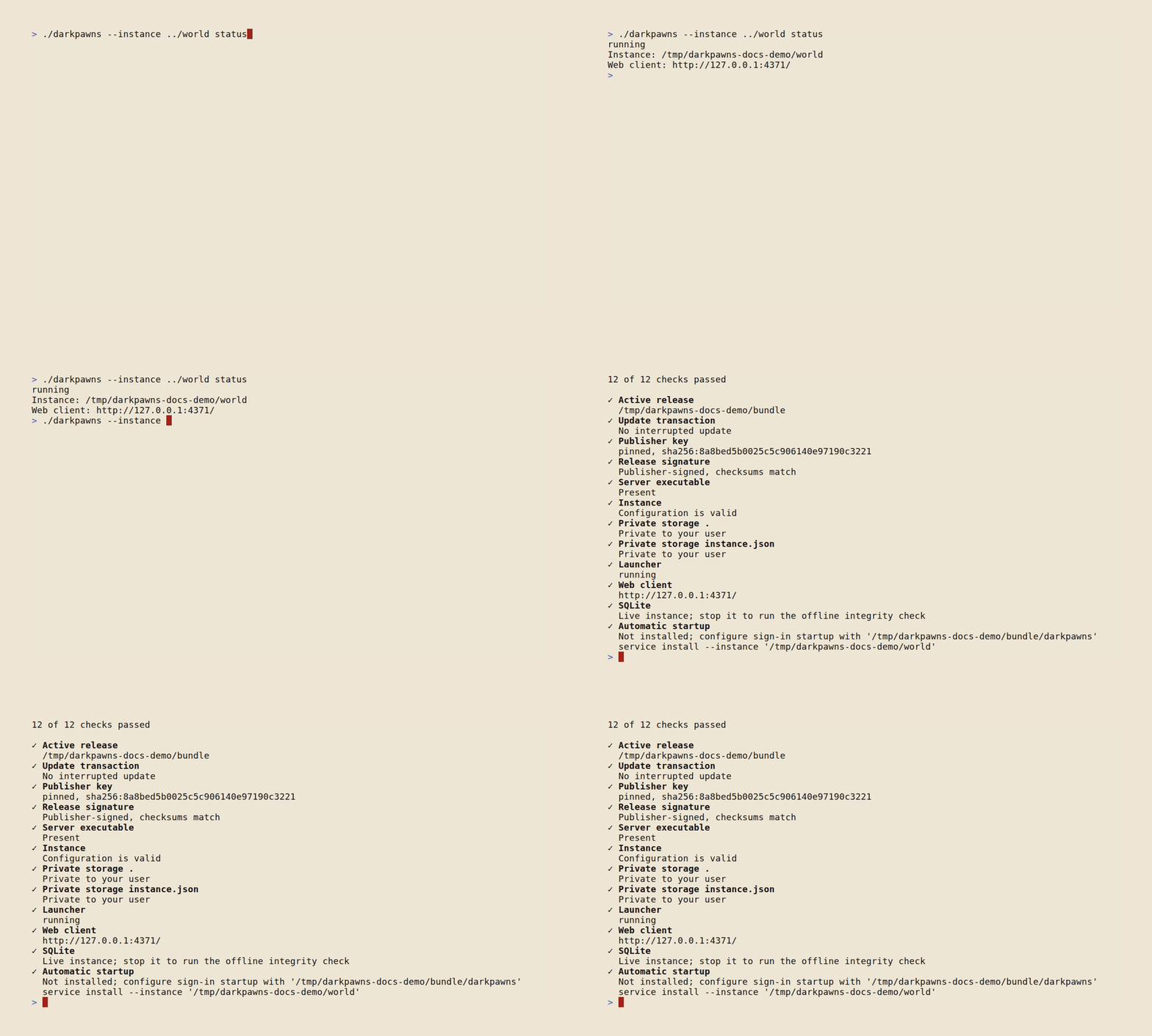
Setup prints the local web client address when the world is ready. The default is http://127.0.0.1:4350/; the default telnet listener is 127.0.0.1:7777. Both bind to loopback, so another machine can't connect directly.
Connect to the game
Section titled “Connect to the game”- Open the web client at the local address printed by setup.
- Create the first character. This character becomes the Implementor (level 40).
Open the admin console
Section titled “Open the admin console”- Open
/admin/on the server's HTTP address. - Sign in with the Implementor character's name and password.
The admin console checks the character's current access level each time it makes an authenticated request. Some tools require level 40; The admin console lists each page's access gate.
Did it work?
Section titled “Did it work?”The first character has level 40, and /admin/ opens the console for that character.
If it didn't work
Section titled “If it didn't work”- Setup can't start the instance. Read the terminal error and run
darkpawns doctorfrom the installed launcher directory. - The web client can't reach the game. Check the server startup output and see Players can't connect.
- The console rejects the sign-in. Use the first character you created and its game password. That character receives Implementor access.