Install Dark Pawns
Install the signed portable release with the bootstrap command, then create your first server instance and open the setup wizard.
Install Dark Pawns, then run darkpawns setup to create an instance and open the setup wizard. On Linux or macOS, start with the command from the Dark Pawns home page:
curl -fsSL https://darkpawns.org/install.sh | bashOn Windows: use PowerShell 5.1 or newer and follow the signed Windows bootstrap instructions. The instructions verify the installer's publisher signature before running it.
Before you start
Section titled “Before you start”- A Linux, macOS, or Windows machine for the server.
- Network access to download a release.
- A folder for the instance data.
Finish setup
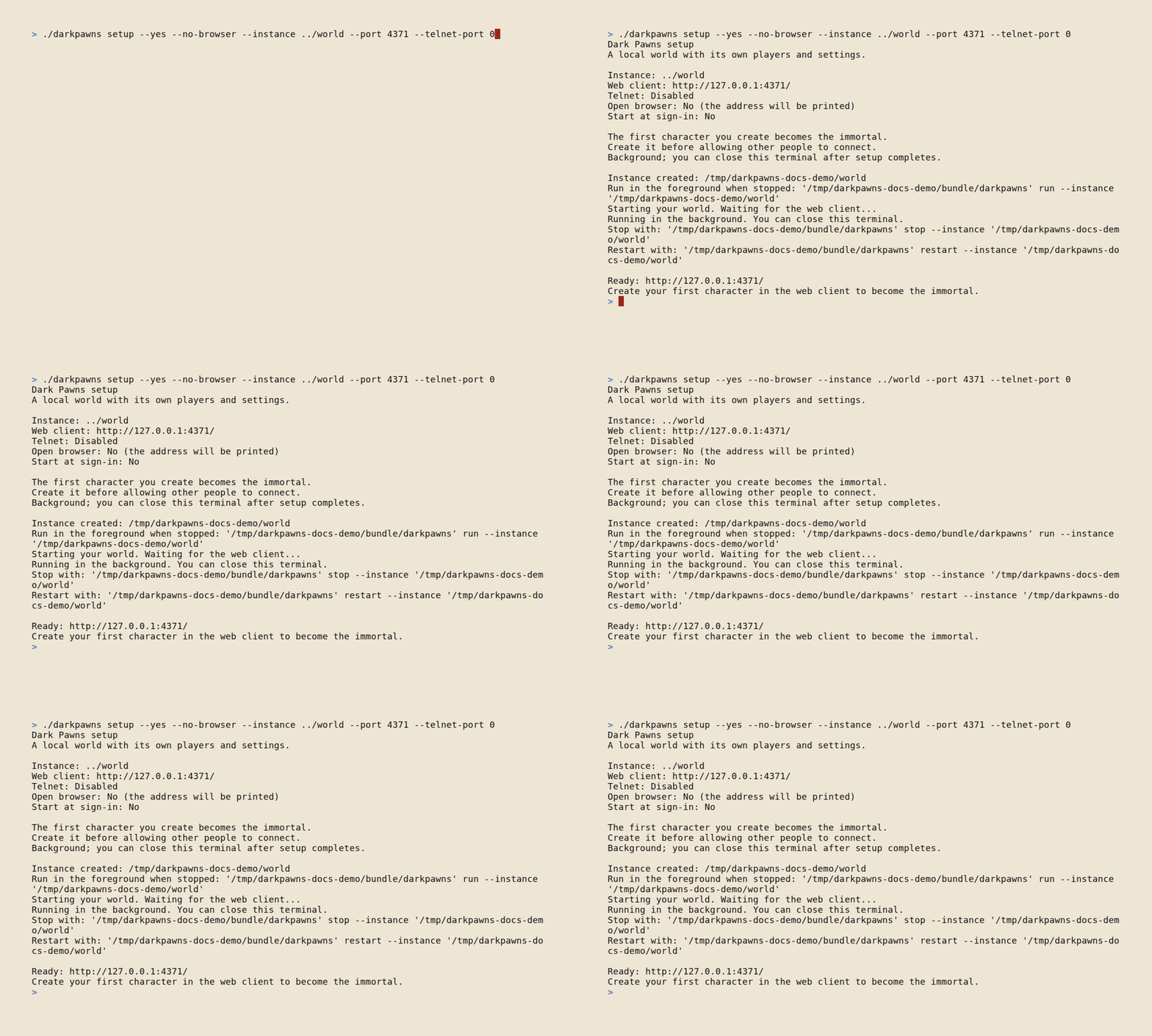
Section titled “Finish setup”The installer verifies the publisher signature, installs the launcher under your user account, and opens darkpawns setup. The wizard asks where the instance belongs and which local ports to use. Review its settings before it creates the instance.
Choose another install method
Section titled “Choose another install method”On macOS or Linux, install the launcher from the Dark Pawns tap:
brew install darkpawns/tap/darkpawnsdarkpawns setupUpdate it with brew upgrade.
On Windows, add the Dark Pawns bucket and install the launcher:
scoop bucket add darkpawns https://github.com/darkpawns/scoop-bucketscoop install darkpawnsdarkpawns setupDocker runs the launcher and keeps the instance in a named volume. This command uses host networking, which the current web listener needs. It works with Docker Engine on Linux. With Docker Desktop 4.34 or newer, first enable host networking under Settings → Resources → Network; Windows containers aren't supported by Docker's host network mode. See Docker's host-networking documentation for platform support and limitations.
docker run -d --name darkpawns \ --network host \ -v darkpawns-data:/data \ ghcr.io/darkpawns/darkpawns:v0.1.8Pin a version tag for a world players depend on. The latest tag follows the newest release.
Download the archive for your operating system and CPU from the Dark Pawns releases. Follow the archive verification and setup steps in the portable release guide.
Winget is awaiting Microsoft's package review, so it isn't available as an install path yet. The latest release notes list its current status.
Did it work?
Section titled “Did it work?”Open a new terminal and run darkpawns status. The launcher should report the instance state and release. Then open the local web client address printed by setup.
If it didn't work
Section titled “If it didn't work”- The
darkpawnscommand isn't found. Open a new terminal so it reads the updated PATH, or add the command directory printed by the installer. - Setup says a port is unavailable. Choose another unused local port in the setup review.
- The server starts but remote players can't connect. Setup binds to loopback by default. Read Hosting and adoption before opening access beyond this machine.